
Registration & Ticketing
Free, paid, guest, and VIP access flows configured for your event model
White-label event platform plus expert setup
Built from the codebase powering Coworking Tech Week.
Learn moreEventority gives event organizers the software and implementation help to run registration, ticketing, live rooms, schedules, exhibitors, replays, email, analytics, payments, and admin operations from one branded platform.
Eventority Live Command Center
Live event ready
Live stream
Free + paid
Registration paths
Live/VOD
Playback states
Clicks + demos
Exhibitor intent
Platform features included
We tailor these workflows to your brand, domain, event structure, exhibitor model, and operating team.
Registration & Ticketing
Free, paid, guest, and VIP access flows configured for your event model
Live Rooms
Branded session pages with Cloudflare or YouTube playback, session context, and chat
Speaker Management
Profiles, session links, schedules, and public speaker pages your team can maintain
Exhibitor Workflows
Product pages, demo request forms, assigned dashboards, testimonials, and reporting
Live Chat
Session-scoped chat with attendee profiles, quick prompts, flagging, and admin moderation
Admin Dashboard
Operator controls for content, registrants, live sources, recordings, emails, and event state
Analytics
Page views, outbound clicks, demo requests, replay metrics, and exhibitor reporting
Guided Setup
Deployment planning, configuration, launch checks, and optional live event operations
4
Role Surfaces
Live + VOD
Playback Modes
Stripe
Payment Rails
Admin
Operations Console
Platform Tour
Eventority is a white-label conference platform, not a single landing page. These product surfaces show how the platform handles discovery, registration, live viewing, real-time operations, exhibitor value, replays, and follow-up.
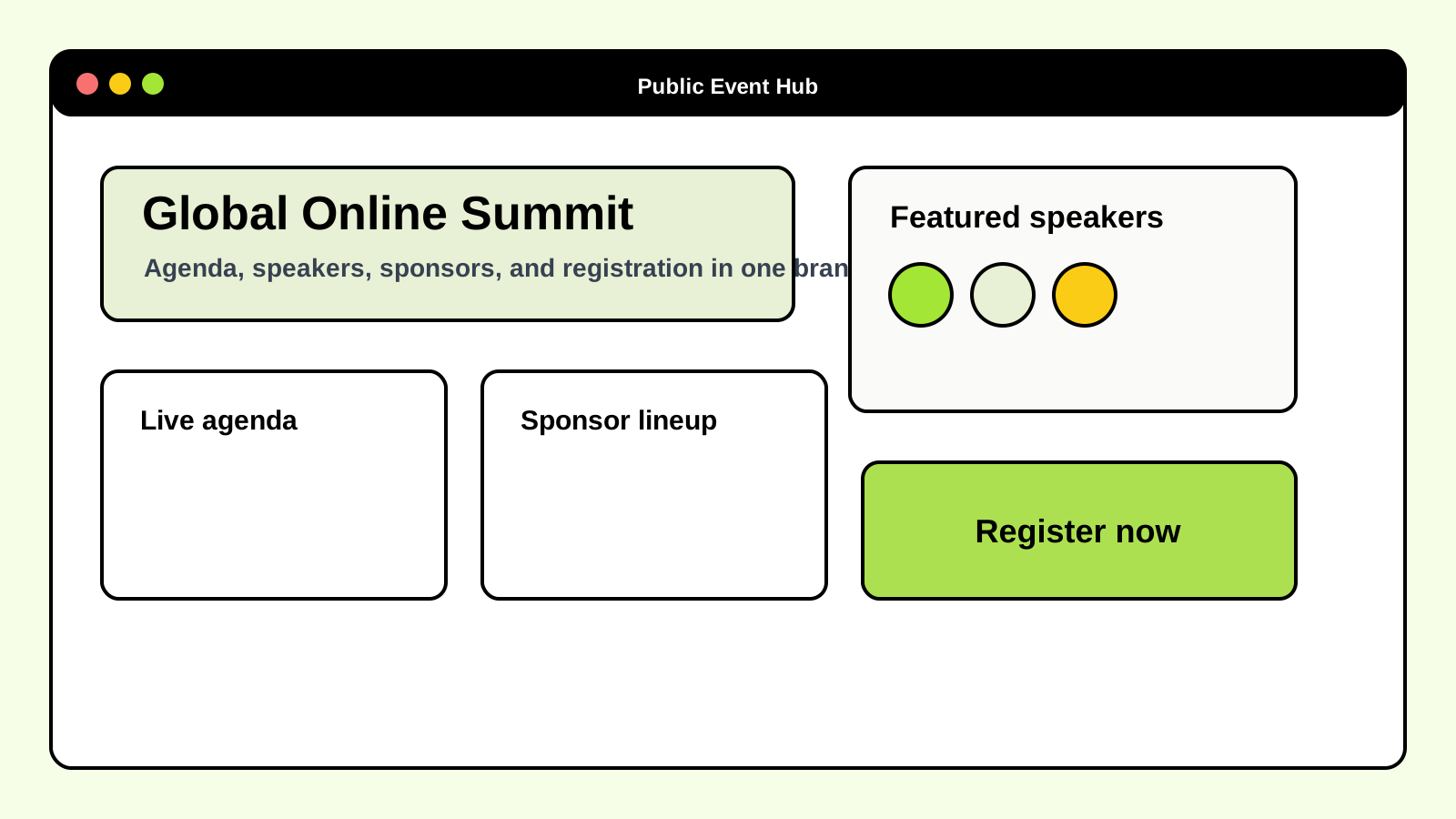
Public experience
The branded front door for agenda discovery, speaker credibility, exhibitors, and registration.
Your event gets a real destination instead of a scattered landing page, form, and calendar invite. Attendees can understand the program, pick sessions, see exhibitors, and register from one place.
Why it matters
This gives the event a credible home: a product-grade destination people can understand, share, and return to.
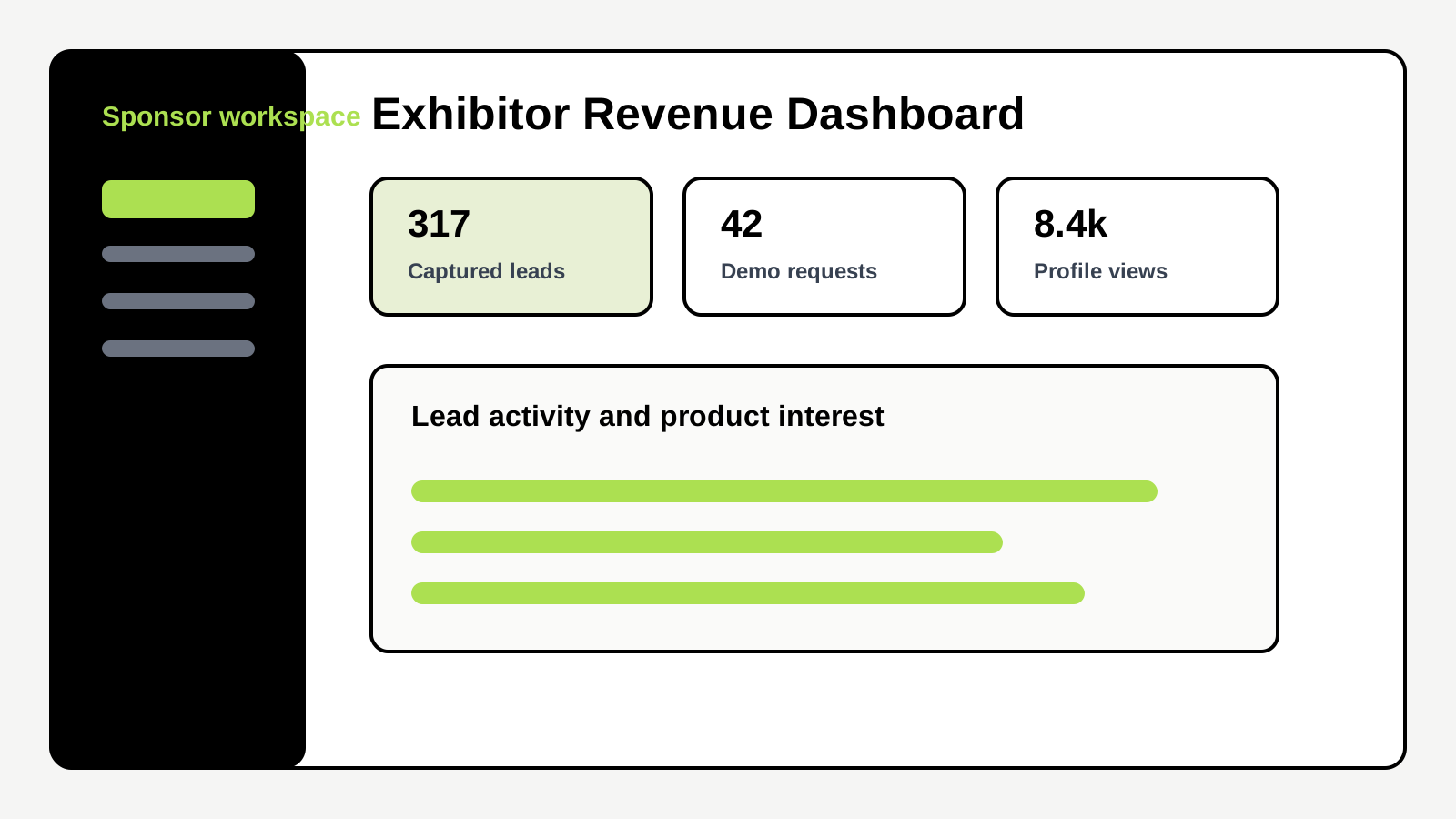
Exhibitor value
A workspace for assigned exhibitors to manage product presence and track product interest.
Exhibitors can open their product workspace, review demo requests, see clicks and page activity, edit listing details when permitted, and follow up from the same place.
Why it matters
This makes exhibitor value concrete: public product presence, inbound requests, and measurable engagement beyond logo placement.
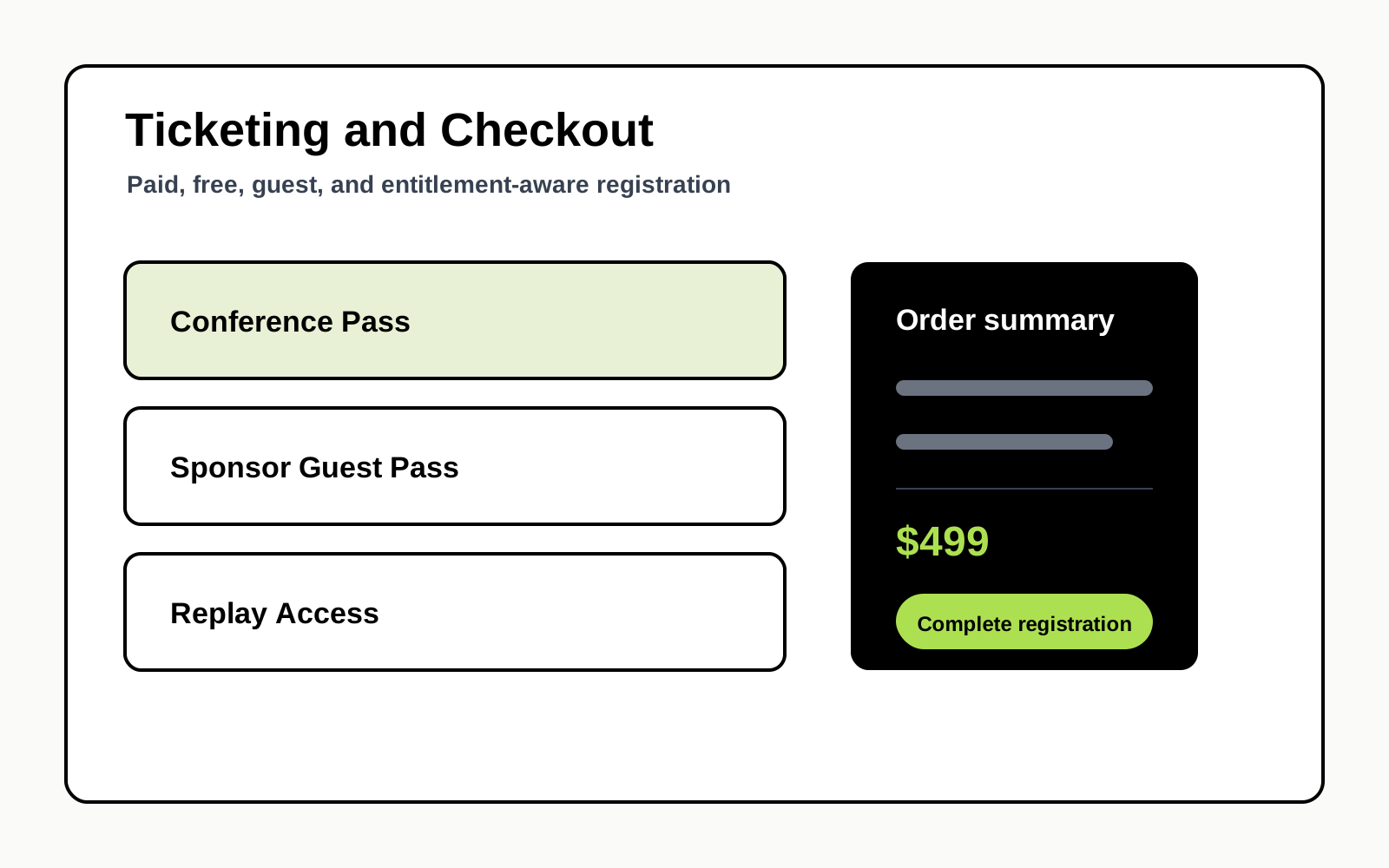
Revenue
Free, paid, guest, and entitlement-aware registration in one checkout path.
Price, access, attendee details, and confirmation stay connected. Teams can sell tickets publicly while still supporting private invitations and guest access flows.
Why it matters
Monetization is built into the event system instead of handled through payment links, spreadsheets, and manual reconciliation.
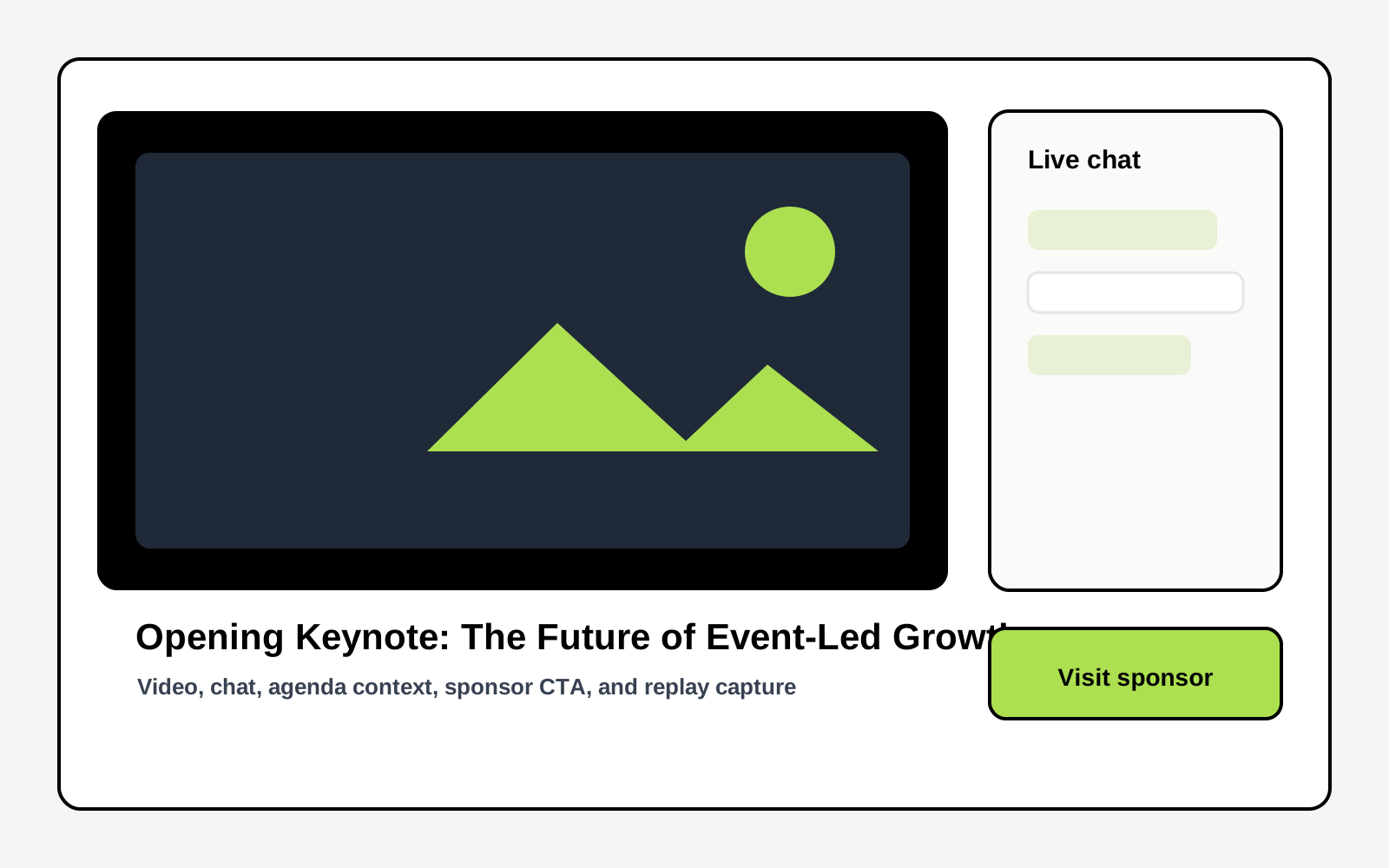
Live event
Video, chat, session context, agenda cues, and exhibitor discovery on one attendee screen.
Attendees stay oriented while the event is live. The stream, current session details, chat, next-session prompts, and exhibitor links work together.
Why it matters
The live experience is built for attention and participation, not just embedded video playback.
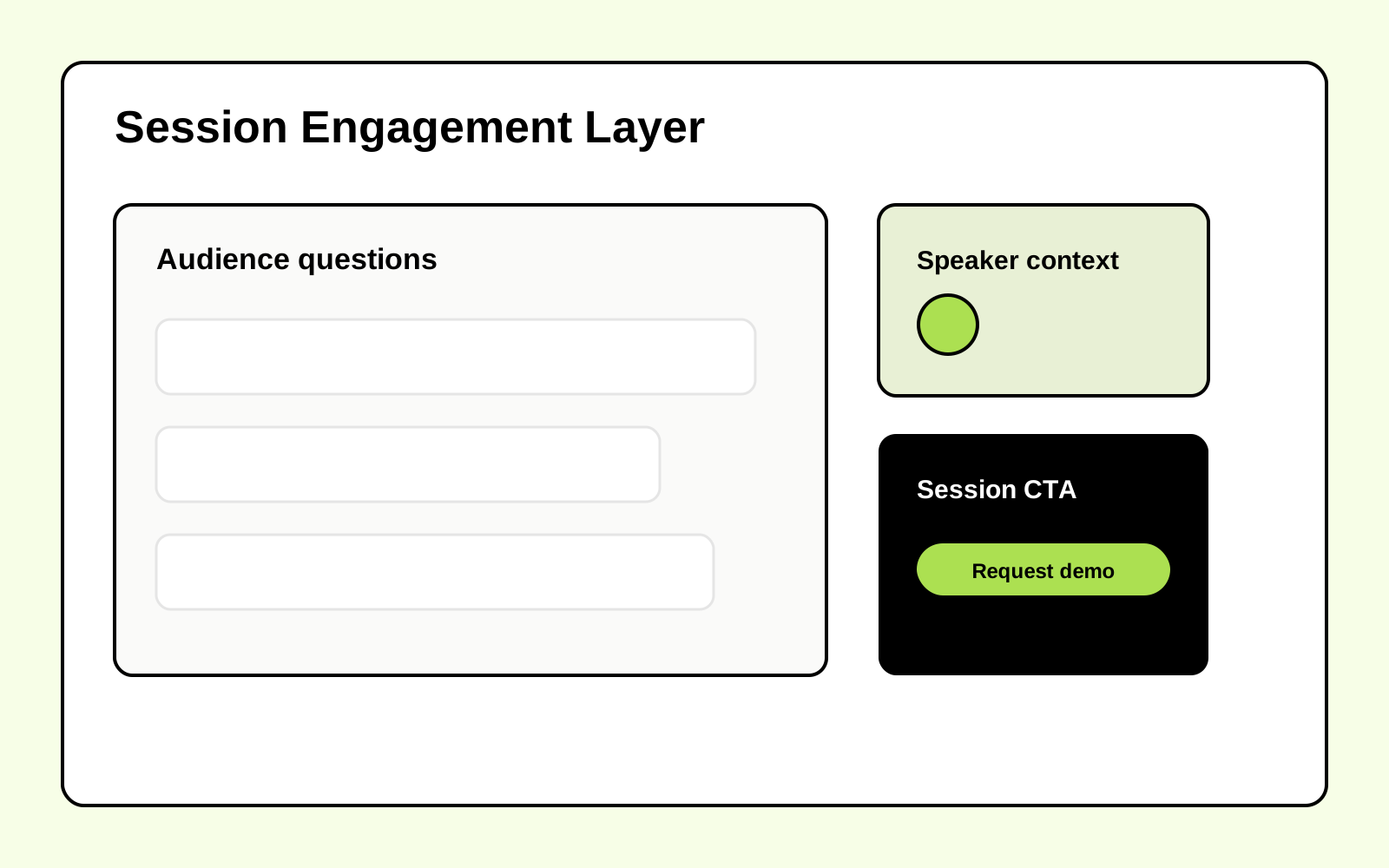
Interaction
Session chat, quick prompts, attendee profiles, moderation, and speaker context around the live moment.
Each session can carry its own chat and context, so attendee activity does not disappear into a generic feed. Moderators can flag, approve, or remove messages while viewers keep the speaker and session details in view.
Why it matters
Passive viewing becomes structured participation that can be moderated and reviewed after the event.
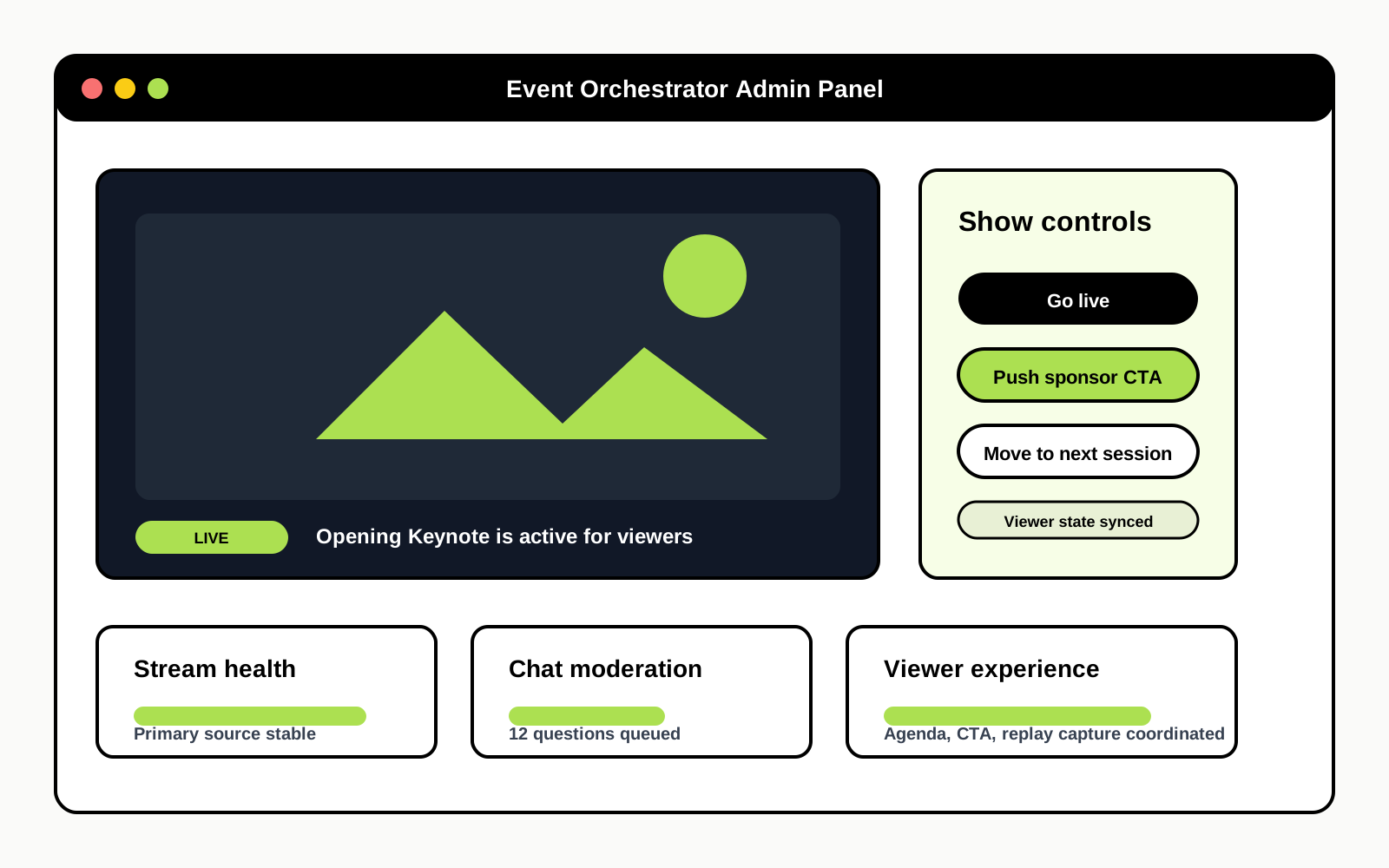
Live operations
A command center for live sources, active sessions, recording handoff, chat moderation, and viewer state.
Your event team can run the live show from the admin panel: preview and switch sources, publish the current session, manage stream state, moderate audience activity, and move recordings into the replay workflow.
Why it matters
This is the operator layer most webinar tools miss: staff can control the live state without asking engineers to change code during the event.
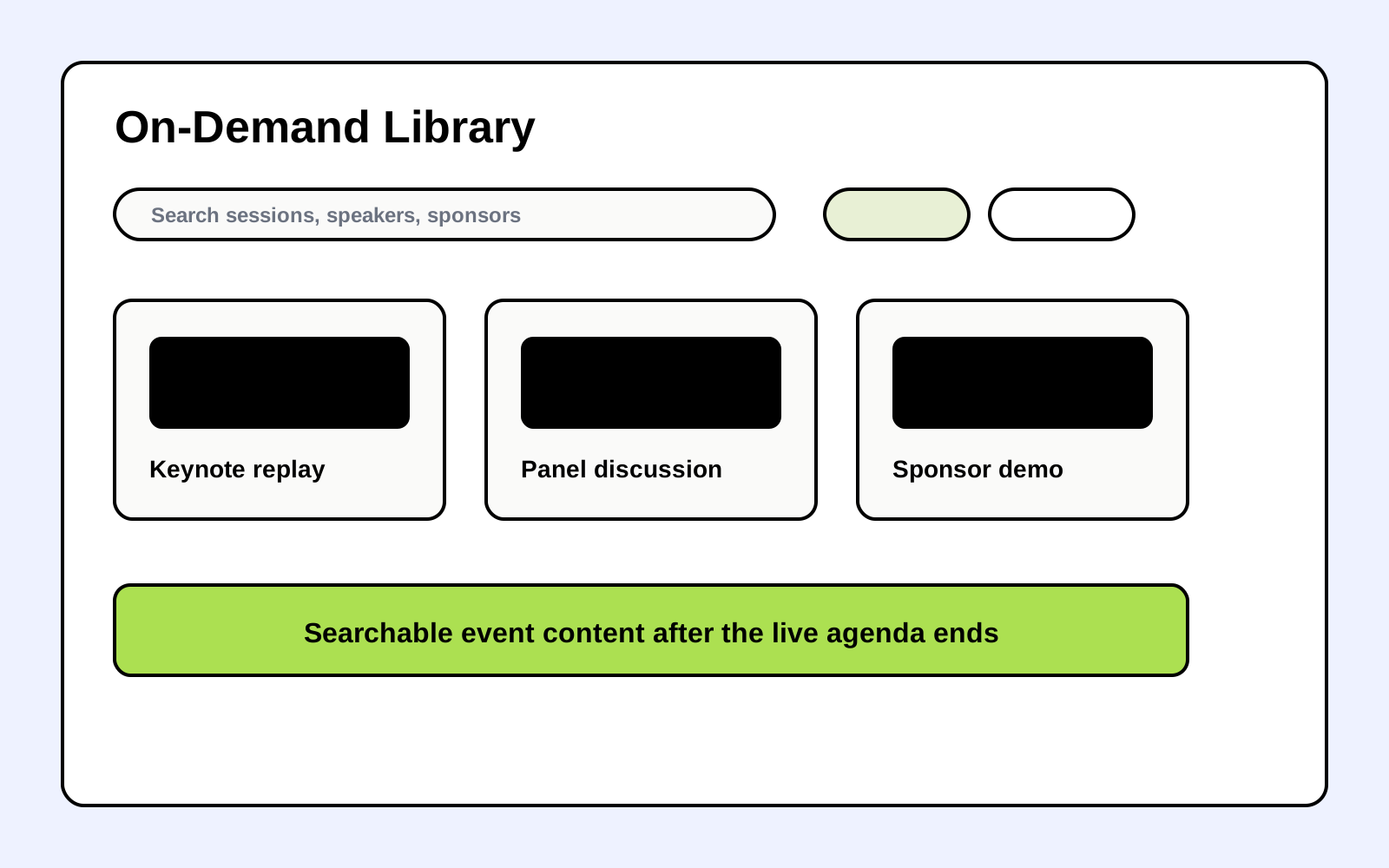
Post-event
A searchable replay hub that keeps sessions, categories, and speakers discoverable.
After the live agenda ends, the event keeps working. Attendees can filter recordings, revisit featured talks, and discover related sessions without a separate content platform.
Why it matters
The conference becomes a durable content asset instead of a one-time broadcast.
Replay detail
Recording playback with session summary, speaker details, and follow-up actions.
Every replay can stand alone as a useful page. Viewers get the talk, context, speaker credibility, related sessions, and relevant follow-up actions.
Why it matters
Individual sessions become durable landing pages instead of buried video files.
Lifecycle marketing
Templates, registrant emails, newsletter sends, and session reminders in admin workflows.
Operators can coordinate confirmations, saved-session reminders, registrant updates, exhibitor emails, and newsletter broadcasts from the same admin surface that knows the event schedule and audience.
Why it matters
Lifecycle communication stays closer to event data, reducing manual list work and missed operational sends.
Deployment Model
Eventority is not dropped into your lap as another tool. We help shape the platform around your event, then hand your team the operating surface to run it.
We map your event format, audience, exhibitor model, ticketing rules, live rooms, replay plan, and operating responsibilities.
Planning callYour domain, brand system, environment variables, payments, email, media, analytics, and access rules are wired for launch.
Guided setupSpeakers, agenda, exhibitor products, ticket tiers, emails, live sources, attendee reminders, and replay structure are prepared in the admin dashboard.
ImplementationYour operators control the live experience from the admin panel. If needed, our team can support stream coordination, chat moderation, exhibitor checks, and replay handoff.
Optional opsWhy Eventority
Eventority sits between rented event SaaS and a blank custom build: a deployable platform, shaped to your event, with our team available where execution risk is highest.
Your team is coordinating video links, forms, spreadsheets, email tools, exhibitor reports, and a landing page under deadline.
Eventority gives you one branded platform for registration, ticketing, live rooms, chat, analytics, payments, replays, attendee profiles, and exhibitor tools.
Less manual event opsAttendees, speakers, exhibitors, and partners judge the event before they join the first session.
Your event hub, agenda, speaker pages, exhibitor directory, live rooms, and replay library all carry your brand and domain.
Stronger attendee trustMost event teams do not need another login. They need a working launch path and confidence during the live window.
We can help deploy, customize, test, and operate the event with you, from setup through stream coordination, moderation support, exhibitor checks, and replay handoff.
Expert implementationThe Operating Problem
Event teams are asked to sell tickets, support speakers, serve exhibitors, run live programming, send reminders, collect demo demand, and publish replays. A webinar link only solves the video piece.
The hard part is the operating layer around the event.
Eventority packages that layer into a white-label platform: branded hub, registration, ticketing, live rooms, speaker and exhibitor workflows, replay library, analytics, emails, payments, attendee accounts, and admin controls.
Then we help tailor it to your event. We can configure the stack, adapt the pages and workflows, prepare your launch checklist, and support live operations when your team wants another set of hands.
You get a durable platform for your event program, not another disconnected tool to manage.
Use Cases
Whether you're running a one-off summit or building a year-round event program, Eventority adapts to your format.
Multi-day, branded conferences & exhibition with live streaming and replays
Product showcases and investor presentations with built-in demo request capture
Themed event weeks connecting vendors and customers in a specific vertical
Recurring member events with registration, chat, and engagement tools
Paid or free educational sessions with capacity management and payments
Co-branded events with exhibitor directories and product showcases
Ongoing virtual summit programs that build audience over time
Events designed around product discovery, demo requests, and sales follow-up
Annual conferences, member engagement events, paid workshops, and replays
Branded content events, panel discussions, and thought leadership programming
Online hubs for remote viewers, replay access, speaker pages, and exhibitor discovery
Build a repeatable event engine — weekly, monthly, or quarterly programming
Platform Capabilities
Not a feature checklist. Each workflow connects to speed, exhibitor value, attendee experience, or operating control.
Capture attendee intent without separating access from payment
Free and paid tiers, magic-link auth, Stripe checkout, guest purchase, and entitlement provisioning are built in.
Look credible without building from scratch
Landing page, schedule explorer, speaker showcase, and exhibitor directory — SEO-ready and branded.
Keep attendees and stakeholders informed
Welcome emails, saved-session reminders, registrant emails, exhibitor emails, newsletter sends, and reusable templates via Resend.
Run a controlled live room instead of dropping viewers into a raw video link
Cloudflare live inputs, Cloudflare VOD, YouTube live or fallback sources, preview tools, and manual source switching from admin controls.
Control the live show and viewer experience from the admin panel
Operators can switch active sessions, manage broadcast state, monitor stream health, import recordings, and guide attendees to the right next step.
Turn passive viewers into active participants
Session-scoped live chat with attendee profiles, quick prompts, link safety, flagged-message handling, and moderation tools.
Give attendees a reason to come back every day
Schedule management with session metadata, speaker links, access tiers, live status, calendar files, and attendee reminders.
Create measurable exhibitor visibility and demo flow
Product directory, demo request forms, assigned exhibitor dashboards, testimonial management, and per-product analytics.
Know which products and calls to action are getting interest
Demo requests, outbound click tracking, UTM-tagged links, product page views, and status tracking in admin and exhibitor dashboards.
Extend event value long after the live session
On-demand recordings, gated access tiers, and persistent content for ongoing discovery.
Manage your event from one operating surface
Operations center for live control, recordings, on-demand videos, schedule, reminders, products, demo requests, workshops, speakers, chat, registrants, newsletter, email templates, branding, and analytics.
Sell tickets, workshops, and product listings without a separate checkout stack
Stripe-powered checkout with guest purchase, automated entitlements, workshop orders, product listing orders, and webhook state management.
Offer paid learning experiences alongside your event
Workshop catalog with capacity limits, Pro discounts, instructor profiles, and post-event access.
Launch with a team that understands online event operations
Guided setup, customization planning, launch checks, and optional live operations support for the event window.
Tech Stack
A recognizable stack for teams evaluating reliability, speed, and extensibility.

Supabase
Database, auth, storage

Cloudflare Pages / Workers
Edge hosting and serverless

StreamYard
Studio and broadcast source

Resend / Postmark
Transactional email delivery

Next.js
Product application framework

GitHub
Source control and deploy flow

Cloudinary
Media storage and transforms

Figma
Design system and mockups
Platform Workflows
The platform is already organized around real event roles.
Public visitors, registered attendees, exhibitors, and admins each have separate routes, permissions, and workflows.
The live room is tied to the schedule and attendee access model.
Live playback, chat access, session state, reminders, and replay handoff all use the same event data.
Exhibitors get measurable product interest.
Product pages, outbound click tracking, demo requests, testimonials, and per-product dashboards are built into the app.
Operators can manage the event without editing code during the live window.
Admin tabs cover live controls, recordings, on-demand videos, schedule, reminders, products, speakers, registrants, email, branding, and analytics.
Built On Coworking Tech Week
Eventority is the platform layer behind Coworking Tech Week, a live virtual conference for coworking operators and technology providers. The product exists because the event needed one system for audience growth, live delivery, exhibitor value, attendee access, replay publishing, and organizer control.
5 days
April 20-24, 2026 live online conference
15+
Exhibitor showcases in the product directory
5 roles
Public, attendee, exhibitor, speaker, and admin surfaces
20
Organizer admin work areas in the console
Screens From The Event
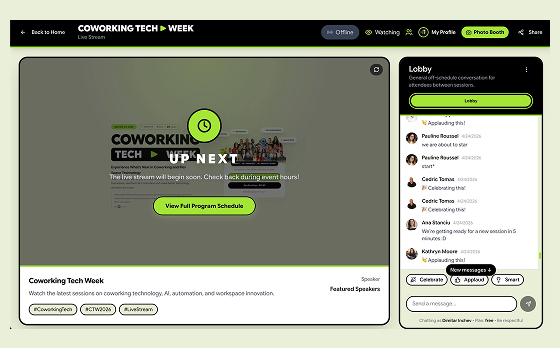
Live event room
Coworking Tech Week
Live event room
Live playback, session context, attendee access, and chat are part of the same event surface.
Go to Live event room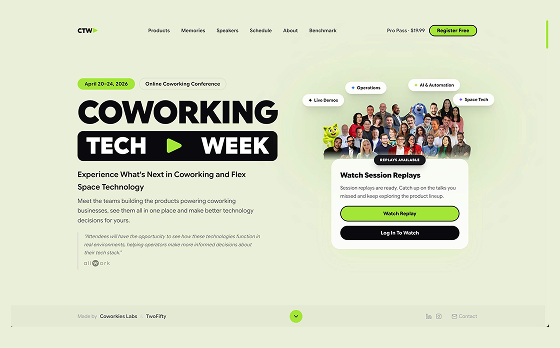
Public event hub
Coworking Tech Week
Public event hub
Visitors move from discovery to registration, tickets, speakers, sessions, products, and replays.
Go to Public event hub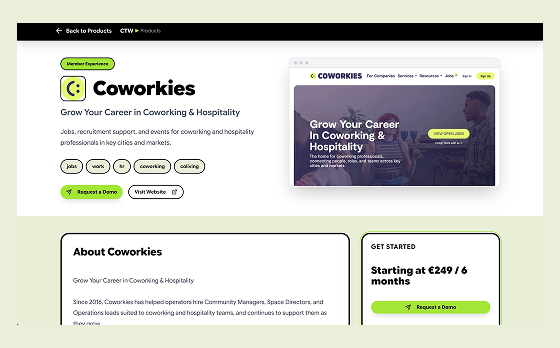
Exhibitor showcase
Coworking Tech Week
Exhibitor showcase
Product pages, tracked outbound clicks, demo requests, and exhibitor dashboards turn attention into leads.
Go to Exhibitor showcase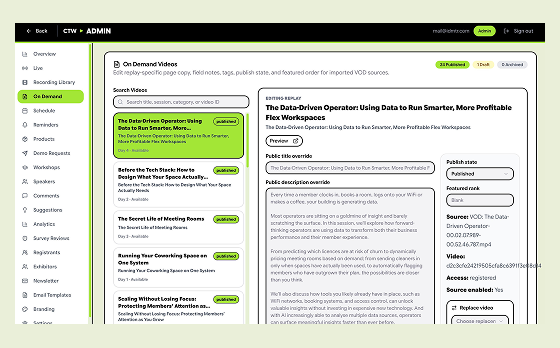
Admin command center
Coworking Tech Week
Admin command center
The admin console covers live operations, recordings, content, registrants, reminders, branding, and analytics.
Go to Admin command centerCoworking Tech Week uses the same software for public marketing pages, registration, attendee access, live rooms, session chat, product discovery, and on-demand replays.
Technology providers get product pages, demo-request capture, outbound click tracking, testimonials, and exhibitor dashboards instead of a static sponsor logo wall.
Admins manage live controls, recordings, on-demand videos, schedule, reminders, products, speakers, registrants, email, branding, analytics, and moderation from the platform.
This is not a generic case study. It is the same event software an organizer can adapt for their own summit, expo, member conference, vendor showcase, or digital community event.
Request a DemoComparison
Eventority gives you the platform and the implementation path. Webinar-only tools handle video. Patchwork creates manual work. Custom builds start from a blank page.
| Capability | Eventority | Webinar Tools | Patchwork | Custom Build |
|---|---|---|---|---|
| Expert setup and launch planning | ✓ | Limited | Manual | Project dependent |
| Optional live operations support | ✓ | ✗ | ✗ | Extra scope |
| Branded event pages | ✓ | ✗ | Manual | ✓ |
| Registration & ticketing | ✓ | Basic | Manual | ✓ |
| Multi-day agenda builder | ✓ | ✗ | ✗ | ✓ |
| Cloudflare and YouTube live source control | ✓ | Single room | Manual | Depends |
| Real-time chat & moderation | ✓ | Basic | ✗ | Depends |
| Exhibitor / sponsor directory | ✓ | ✗ | ✗ | Depends |
| Demo request capture | ✓ | ✗ | Manual | Depends |
| Speaker management | ✓ | ✗ | Spreadsheet | Depends |
| Assigned exhibitor dashboard | ✓ | ✗ | ✗ | Depends |
| Built-in payments (Stripe) | ✓ | ✗ | Manual | ✓ |
| Admin ops dashboard (16 tabs) | ✓ | ✗ | ✗ | Expensive |
| Analytics & click tracking | ✓ | Basic | Manual | Depends |
| Setup time | Days | Hours | Weeks | Months |
| Per-attendee pricing | No | Yes | Varies | No |
The Outcome
Your event has a branded destination instead of a loose collection of links.
Attendees can register, sign in, save reminders, join the live room, chat, and watch replays from one platform.
Exhibitors can be discovered through product pages, demo request forms, and measurable click analytics.
Admins can manage content, live state, recordings, reminders, emails, products, speakers, registrants, and analytics from one operating surface.
The same platform can support the live window and the post-event replay library.
Your team starts from a production online conference system instead of a blank custom build.
Launch the platform with expert setup and optional live operations support
Service Model
Eventority is sold as a deployable white-label platform plus expert setup. We help you shape the event hub, registration, live rooms, exhibitor workflows, replay plan, integrations, and operating checklist around your event.
White-label event platform configured for your brand, domain, event structure, and attendee access model
Registration, ticketing, live rooms, schedules, speakers, exhibitors, replays, email, analytics, payments, attendee accounts, and admin controls
Guided deployment covering environment variables, integrations, provider setup, launch checks, and team handoff
Implementation support available for page adaptation, content loading, workflow customization, and exhibitor setup
Optional live operations support for stream coordination, chat moderation support, exhibitor checks, and replay handoff
Source-code ownership or managed implementation can be scoped based on your team and event program
Plan Your Event Platform
Share the event you are planning, the platform help you need, and whether you want us involved in customization or live operations. We will respond with the right next step.
FAQ
Both. Eventority can support one-off conferences, annual summits, demo days, education programs, and recurring event series. The point is to give you reusable event infrastructure instead of rebuilding the operating stack every time.
Yes. Your event hub can run on your brand, custom domain, logo, colors, content, speakers, exhibitors, and event structure. Attendees see your event experience, not a generic Eventority shell.
No. Eventority is sold as a deployable platform plus expert setup. We help plan the deployment, configure the stack, adapt workflows when needed, and can provide additional implementation or live operations support.
You need a technical owner if you want source-code ownership, custom deployment control, or long-term in-house extension. Event teams can manage day-to-day content and operations from the admin dashboard after launch, and we help your technical owner understand the production surface.
It depends on event complexity, integrations, content readiness, and customization scope. The platform is built to avoid a blank custom build, and we will give you a practical deployment plan after understanding your event.
Yes. Eventority includes exhibitor surfaces such as directory pages, product listings, demo request forms, assigned exhibitor dashboards, click tracking, page-view analytics, and testimonial tools. Exhibitors get measurable product interest instead of only logo placement.
Your event hub persists. Replays, speaker profiles, exhibitor directory, and demo request data all remain accessible. Many teams use the persistent directory as an ongoing marketplace between events.
Absolutely. That's the point. Eventority is designed as an event operating system, not a one-off tool. Build weekly, monthly, or annual programming on one platform.
Webinar tools handle video. Eventority handles the event operating layer around the video: branded hub, registration, ticketing, multi-day agenda, exhibitors, live rooms, chat, demo requests, payments, analytics, replay library, email, and admin controls.
That's core to the platform. Demo request forms on product pages, click tracking with UTM attribution, attendee profile context, status tracking, and exhibitor analytics dashboards are built in. API access for product and demo-request data can be enabled for teams that need integration paths.
The production stack can be wired for Next.js, Supabase, Stripe, Cloudflare-ready deployment paths, email workflows, and media storage. Exact providers depend on the deployment scope. Source-code customers can extend the platform on their own stack.
The base source-code purchase is listed on the pricing page. Guided deployment, customization, and live event operations can be scoped depending on what you need us to handle. Third-party provider costs are separate.
Depending on the offer you choose, you can get repository access, deployment handoff, implementation support, and a launch plan for your event. If you want us to customize pages, workflows, or operate the live event with you, we scope that separately.
Yes. You can buy additional setup help, customization work, or live operations support for the event window, including stream coordination, chat moderation support, exhibitor checks, and replay handoff.